Good news! Starting August 4, Smart and TNT subscribers can enjoy a faster, easier, and more secure way to buy prepaid load and pay their Smart Postpaid or Smart Infinity bills with Apple Pay, now officially available in the Philippines.
As one of the first partners to support Apple Pay in the country, Smart offers customers a seamless payment experience in stores and online. Whether you’re topping up your prepaid account or settling your monthly bill, you can enjoy a quick, secure, and private way to pay using your Apple device.
What is Apple Pay and Why Use It?
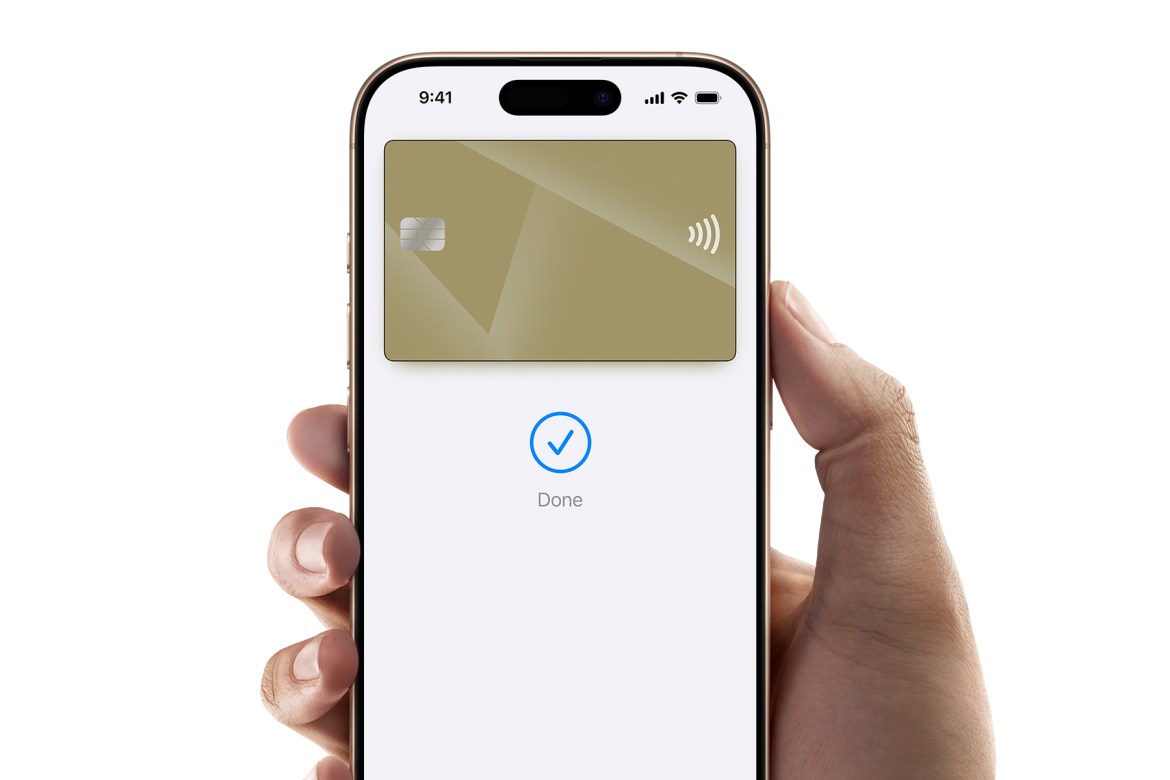
Apple Pay is a contactless payment service that lets you make purchases using supported Apple devices, including iPhone, Apple Watch, iPad, Mac, and Apple Vision Pro. Simply add your eligible credit or debit card to the Wallet app to get started.
Built with privacy and security at its core, Apple Pay uses Face ID, Touch ID, or your device passcode to authenticate every transaction. Your actual card number is never stored on your device or Apple servers, and it’s never shared with merchants, helping protect your payment information.
How to Activate and Use Apple Pay
Getting started is easy. Open the Wallet app on your supported Apple device, tap the “+” icon, and follow the prompts to add your eligible credit or debit card. Once your card is verified, you’re ready to use Apple Pay wherever it’s accepted.
At any Smart Store, simply hold your iPhone or Apple Watch near the payment terminal and authenticate with Face ID, Touch ID, or your passcode. When shopping through the Smart Online Store, just select Apple Pay at checkout for a quick and seamless transaction.
Whether you’re availing of your favorite Smart Prepaid or TNT offer or paying your monthly bill, you can complete your transaction with just a tap—online or in-store.
Get Started Today
Visit any Smart Store nationwide or the Smart Online Store to buy prepaid load or pay your Smart bill using Apple Pay.
To learn more and get started, visit smart.com.ph/applepay.