
Some mobile numbers are just easier to remember—especially the ones you’ve had for years. Usually, switching networks meant letting go of that familiar number… but not anymore.
With Inter-Mobile Number Portability (Inter-MNP), you can keep your current number when moving to Smart, whether you’re switching from prepaid to postpaid, postpaid to prepaid, or coming from another network in the Philippines.
If you’re considering making the switch, this guide can help you retain your number while enjoying a fast and reliable connection for all your calls, messages, and online activities.
How to Switch to Smart and Keep Your Number
Switching networks or plans doesn’t mean giving up your number. Here’s how to keep your current mobile number when moving to Smart:
- Get your Unique Subscriber Code (USC).
- This 9-digit code, valid for 15 days, starts the number porting process. Request this from your current telco provider.
- Globe users: Visit your nearest Globe store and book an appointment.
- DITO users: Contact the DITO hotline at 185.
- Visit the Smart Online Store.
- Enter your current mobile number and USC to start the process.
- Enter your current mobile number and USC to start the process.
- Verify with an OTP.
- A one-time pin (OTP) will be sent to your current number—enter it to continue.
- A one-time pin (OTP) will be sent to your current number—enter it to continue.
- Choose your plan and select “Physical SIM” to continue.
- Pick a Smart Postpaid plan or a Smart/TNT Prepaid SIM.
- Note: eSIM for Inter-MNP will also be rolled out at a later date.
- Fill yn your customer and shipping information.
- Includes your name, birthday, address, employment details, and shipping information.
- [Optional] Priority Processing: Available for credit card holders who want faster processing.
- Review everything.
- Check your plan, personal information, and privacy preferences. Review the Terms & Conditions, then add your signature before clicking ‘Submit Application’.
- Check your plan, personal information, and privacy preferences. Review the Terms & Conditions, then add your signature before clicking ‘Submit Application’.
- Pay online and keep your reference number.
- Complete your payment to finalize the application.
- Your reference number will be useful in tracking your application.
You can also apply in person by booking an appointment at the nearest Smart Store.
How to Activate Your Smart 5G-Ready MNP SIM
To activate your Smart 5G-Ready MNP SIM, simply insert the SIM into your smartphone, then dial *123# and follow the on-screen instructions. Once your new Smart SIM is successfully activated, you’ll receive an SMS confirmation on your mobile number.
Why Now’s the Right Time to Switch to Smart
Inter-Mobile Number Portability (Inter-MNP) and Smart make switching networks simple and hassle-free online. You keep your current number, which means no interruptions and no need to update employers, banks, government agencies, or other essential contacts—saving you time and avoiding unnecessary steps.
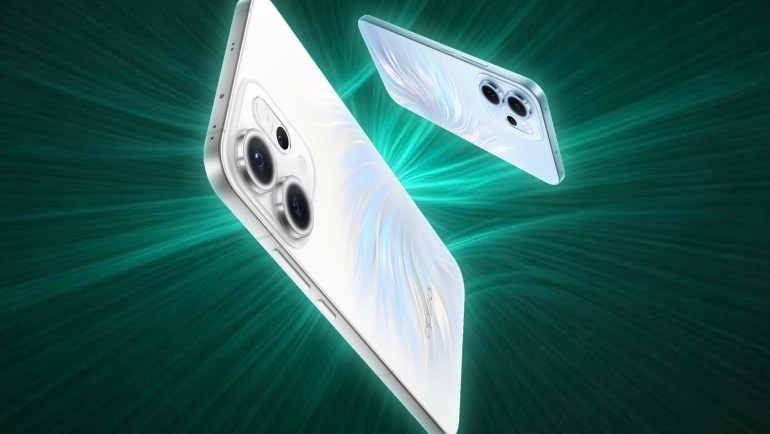
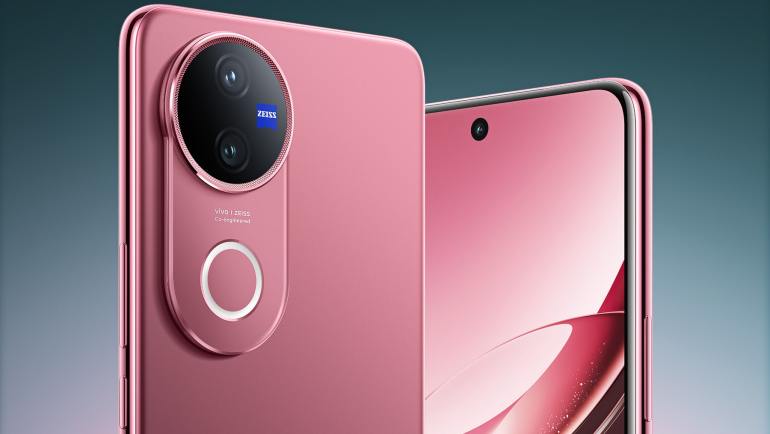
At the same time, switching to Smart opens the door to the latest devices, flexible financing options, and big mobile data offers tailored to different needs. You can upgrade to a new smartphone while enjoying Smart’s Best Latency recognition from Ookla*, highlighting its fast, responsive, and reliable network experience.
With Inter-MNP, you can easily move to a new Smart plan while keeping your number.
Ready to make the switch? Visit the Smart Online Store to get started!
*Based on analysis by Ookla of Speedtest Intelligence data for Q1-Q2 2025