
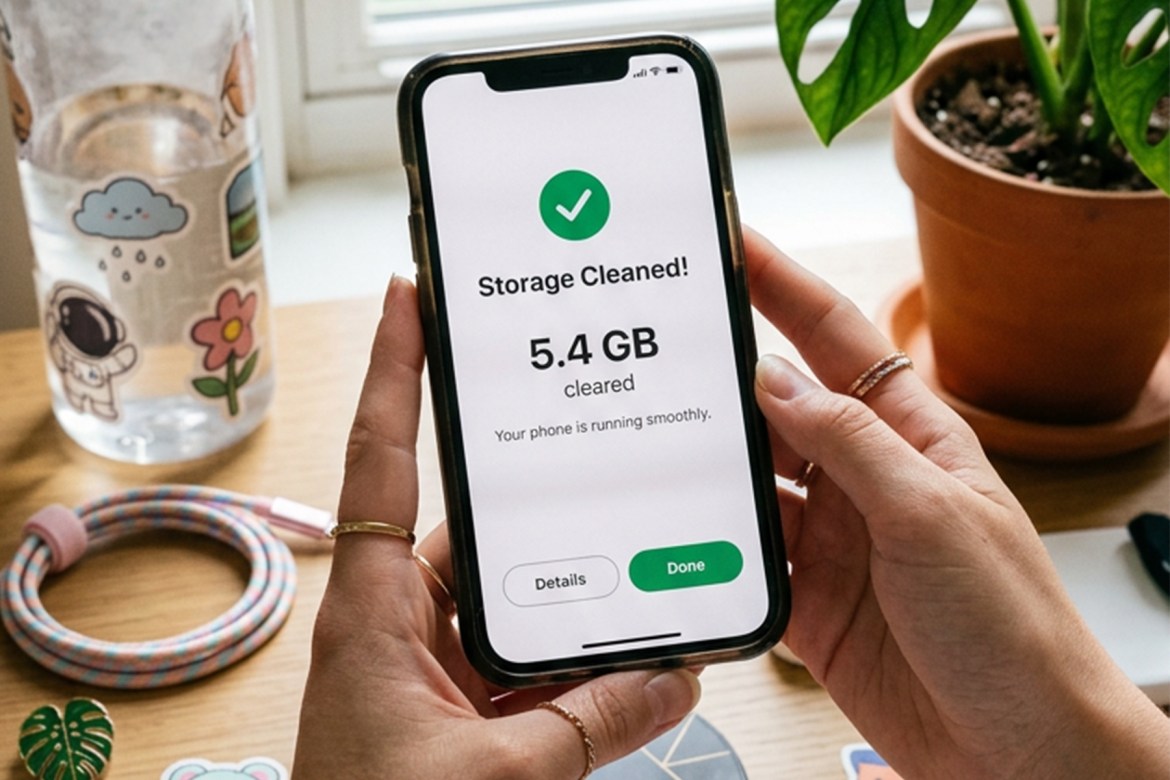
Your phone is part of almost every part of your day. You use it to capture memories, stream your favorite shows, keep up with friends, manage your work, shop online, and so much more. With all that activity, it’s easy for photos, videos, apps, and files to pile up until your storage starts running low.
But a full storage bar doesn’t necessarily mean it’s time for a new phone. A little digital housekeeping can help keep your device running smoothly and, more importantly, help you get more life out of something you already own. Keeping your phone in good shape is a simple, everyday habit that can also support more sustainable tech use.
Here are some easy tips to keep your phone storage healthy and your device going for longer.
1. Give Your Photos and Videos a Regular Cleanup
Photos and videos are often some of the biggest storage hogs on your phone. And with high-resolution cameras, it’s easy to accumulate hundreds—or even thousands—of files.
Set aside a few minutes every month to delete blurry photos, duplicates, screenshots, old screen recordings, and videos you no longer need.
You can also back up important memories to a cloud storage service or transfer them to another storage device, then remove the copies you don’t need on your phone.
Quick tip: Start with your screenshots folder. You might be surprised by how many random screenshots you’ve saved and forgotten about.
2. Delete apps you no longer use.
That food delivery app you used once. The game you haven’t opened in six months. The shopping app you downloaded for one purchase.
Unused apps can quietly take up storage—and some may continue accumulating cached data over time.
Check your phone’s list of installed apps every few months and uninstall the ones you no longer use. If you think you might need an app again someday, you can always download it again when the need arises.
3. Clear out your Downloads folder.
Your Downloads folder can become a digital junk drawer. Old PDFs, memes, videos, documents, and other files can pile up without you noticing. Go through your downloads regularly and remove files that you’ve already used or no longer need.
For important documents, consider keeping a copy in cloud storage instead of having multiple copies saved on your phone.
4. Check what’s taking up the most space.
Instead of deleting files at random, let your phone show you what’s actually using your storage. Both Android and iPhone devices have built-in storage management tools that can show you how much space is being used by photos, apps, videos, messages, and other files.
Start with the categories taking up the most space. A few minutes of cleanup can sometimes free up several gigabytes.
5. Manage your messages and media
Your messaging apps aren’t just storing conversations. They can also keep photos, videos, GIFs, voice messages, and other media you’ve received over time.
Review your messaging app’s storage settings and look for large media files or old conversations you no longer need. If you regularly receive lots of videos and photos in group chats, managing these files can make a noticeable difference.
6. Don’t forget about offline content.
Downloading music, movies, shows, podcasts, maps, and other content for offline use is convenient—but those downloads can add up. Every so often, check your streaming and other apps for downloaded content you’ve already watched, listened to, or no longer need offline.
Keeping only what you actually use helps free up space without giving up the convenience of offline access when you need it.
7. Make storage maintenance a habit.
You don’t need to wait until your phone shows a “Storage Almost Full” notification before doing some cleanup. Think of it like tidying up your room: a few minutes of maintenance every now and then is much easier than doing a massive cleanup when everything is already overflowing.
Try doing a quick storage check once a month. Delete what you don’t need, back up what you want to keep, and make room for the things that matter.
A little cleanup can go a long way
Keeping your phone storage healthy isn’t just about having more space. It’s about getting more life out of the device you already have.
By regularly cleaning up unnecessary files, managing your apps, and keeping your storage organized, you can keep your phone running comfortably and potentially put off replacing it before you really need to.
That’s one small way to make your everyday digital habits a little more sustainable: take care of what you already have, use it for longer, and replace it only when you really need to.
After all, sometimes the smartest upgrade is simply getting more out of the phone that’s already in your hand.